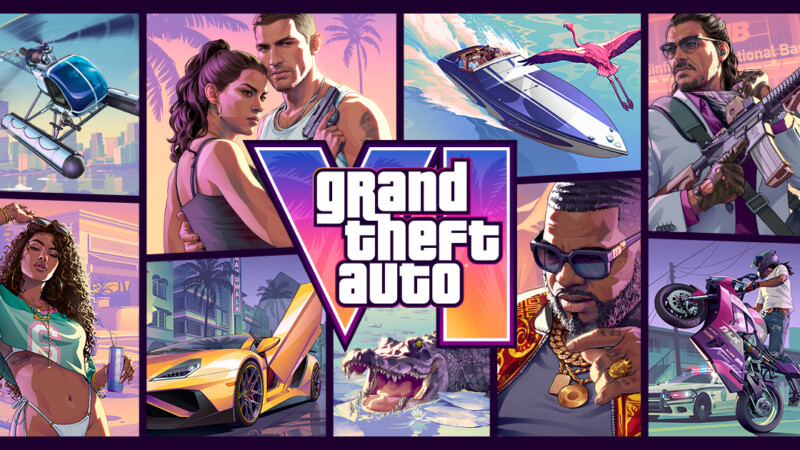
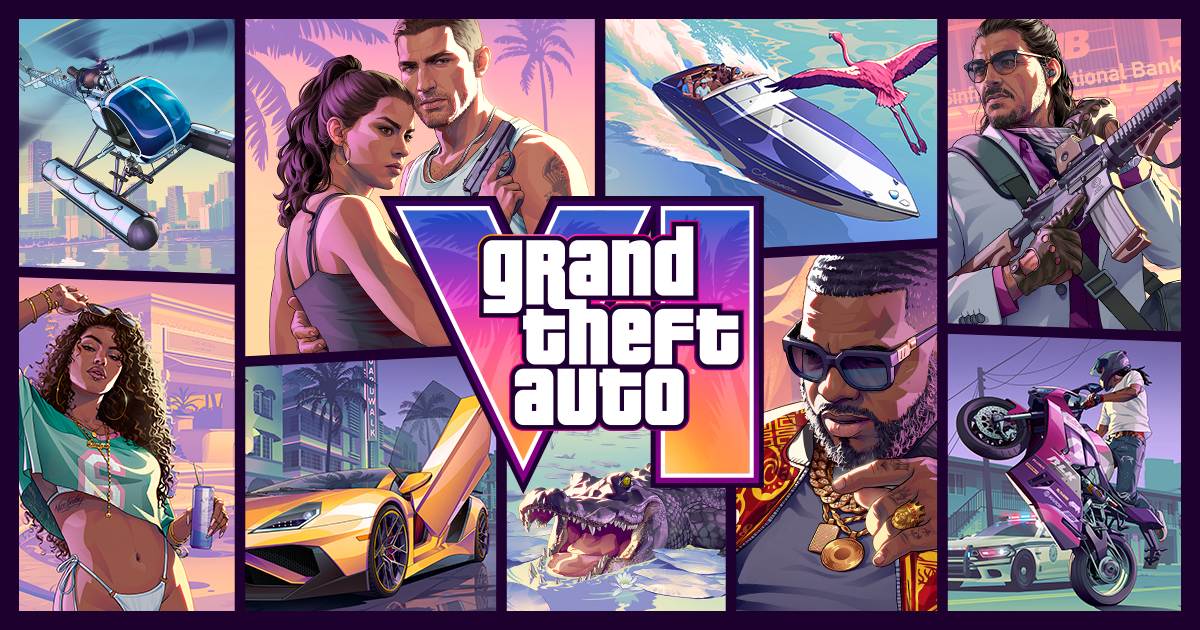

GTA 6 PSN outage checks should be the priority for PS5 players with digital copies tonight, because PlayStation Network had service problems on Wednesday, November 18, 2026, hours before GTA 6 unlocks on PS5.
According to an Axios report on the PSN outage, PlayStation’s status message told players they might have difficulty launching games, apps or network features and thanked users for their patience. GTA 6 becomes playable at midnight local time on Thursday, November 19, 2026, on PlayStation 5 and Xbox Series X|S.
This is not a confirmed GTA 6 server outage. The useful question is whether your PS5 account, license, download and console setup are ready before the local midnight unlock.
Is GTA 6 affected by the GTA 6 PSN outage?
It can be, because PlayStation’s own status message warned of trouble launching games, apps or network features. But this is a PlayStation Network issue rather than a confirmed GTA 6 server outage.
That difference matters. A GTA 6 PSN outage can block or slow things before you reach the game itself, especially if your console needs to sign in, verify a digital license, finish a download, open the PlayStation Store, or use network features.
Rockstar services are a separate layer. If GTA 6 launches after release but an online feature fails, that may point to Rockstar-side services. If you cannot sign in to PSN or open the store at all, start with PlayStation.
The Daily Beast also reported that PlayStation’s status page showed an outage affecting gaming and social services hours before GTA 6’s release. So if your PS5 is acting strange, do not assume your copy of GTA 6 is broken.
Can you play GTA 6 offline if PSN is down?
GTA 6 is sold as a single-player experience, but a digital PS5 copy may still depend on your account, license and console setup being ready before midnight. If those checks are not already clean, PSN trouble can get in the way.
Rockstar’s official GTA 6 page lists the game for PlayStation 5 and Xbox Series X|S and promotes pre-loading ahead of launch. Preloading matters because it reduces how much your console needs from PlayStation’s network during the busiest window.
For a digital PS5 copy, think in layers. The game file can be downloaded, but the console may still need to know that your account owns the game and that this PS5 is set up correctly for that license.
If you use console sharing, or if one account bought GTA 6 and another account plays it, check that setup before midnight. Do not wait until the launch minute to sign in, because a GTA 6 PSN outage can turn a simple login into the thing that blocks your night.
If PSN is stable enough, restore licenses before launch rather than after you hit an error. If PSN is unstable, avoid risky changes to your installation just because the countdown has not cleared yet.
What should PS5 players do before midnight?
Open GTA 6 once if possible, confirm the countdown or unlock tile, install the latest PS5 system update, check that the full download is complete, and avoid deleting or moving the game during an outage. The goal is to remove every avoidable problem before the midnight rush.
Use this checklist now, not at the last minute:
- Open the GTA 6 tile on PS5. If the console shows a countdown or unlock screen, that is better than discovering a license issue at midnight.
- Confirm the full download is complete. Do not assume preloading finished just because the icon is on your home screen.
- Check your PS5 system software. Install the latest system update before the unlock window if your console offers one.
- Sign in to the PlayStation account that owns GTA 6. Do this while PSN is responsive enough to complete sign-in.
- Check console sharing and license settings. This matters most if more than one account uses the same PS5.
- Avoid deleting GTA 6. Reinstalling during a network issue can turn a launch problem into a long download problem.
- Do not move the game between storage drives during the outage. Keep the installation stable unless you have a clear storage issue.
If the game still refuses to start after those basics, use our GTA 6 won’t start troubleshooting guide before you delete anything. During a GTA 6 PSN outage, reinstalling should not be your first move.
How do I check whether it is PSN, Rockstar or my console?
Check PlayStation Service Status first, then Rockstar Support or server status, then your own internet and console storage. That order helps you avoid fixing the wrong thing.
The official PlayStation Service Status page is the first stop for current PSN service state. If sign-in, gaming, social features, or the store are having issues there, your PS5 problem may not be local.
| Symptom | Check first |
|---|---|
| You cannot sign in to PSN | PlayStation Network status |
| You cannot buy or download GTA 6 | PlayStation Store or PSN services |
| The game tile will not verify your digital copy | PSN license and account status |
| GTA 6 launches, but online services fail after launch | Rockstar Support or GTA 6 server status |
| Other installed games also will not launch | PSN status first, then console storage and system software |
For Rockstar-side issues after the game is live, you can also check the GTA 6 server status hub. Just do not mix up a PSN sign-in failure with a Rockstar service failure.
If PSN looks stable and Rockstar services look stable, then check your own setup. Restart the console, test your internet connection, confirm free storage, and make sure the installation did not stop before completion.
Does Xbox have the same GTA 6 launch problem?
There is no matching official Xbox outage in the sources used for this story. Xbox players should check Xbox status separately rather than assume the PSN issue applies to them.
GTA 6 is listed for PlayStation 5 and Xbox Series X|S, and Take-Two’s official filings list Grand Theft Auto VI for those platforms with a November 19, 2026 release date. AP’s launch report says the game becomes playable at midnight local time on both PlayStation 5 and Xbox Series X|S.
That does not mean both platforms have the same network problem. A GTA 6 PSN outage is specific to PlayStation Network unless Xbox reports its own service trouble.
What this means for launch night
The safest move is to finish downloads and sign-ins now, because even a short platform outage can block purchases, downloads or digital-license checks during the busiest launch window. Your goal is simple: make your PS5 need as little from PSN as possible when midnight arrives.
If you already preloaded GTA 6, confirmed the tile, signed in, and left the installation alone, you are in the best position. If you have not bought, downloaded, or verified your copy yet, a GTA 6 PSN outage can turn those last-minute steps into the real obstacle.
Do not panic-delete the game. Do not move it between drives unless you know storage is the issue. Do not assume Rockstar is down just because PSN is struggling before launch.
Next, watch the official status pages and keep your PS5 setup steady until the local midnight unlock. If the GTA 6 PSN outage clears before then, your best reference is the GTA 6 unlock time in your country so you know exactly when to test the game again.
GTA 6 PSN outage FAQ
Is GTA 6 down on PS5?
Not necessarily. Reports on November 18 point to a PlayStation Network problem, not a confirmed GTA 6 server outage, so check PSN status first.
Can I play GTA 6 if PSN is down?
If your digital copy is already downloaded and your license is valid on that PS5, you may be fine, but PSN problems can affect sign-in, licenses, downloads and game launches.
Should I delete and reinstall GTA 6 if it will not start?
No, not as a first step during an outage. Check PSN status, restart the console, restore licenses when PSN is stable, and only reinstall if storage or installation data is clearly corrupted.
Is Xbox affected by the PSN outage?
No source used for this story confirms an Xbox outage. Xbox players should check Xbox status separately if they have launch problems.