
Short answer: no. GTA 6 does not have a traditional first-person mode, so you cannot play the whole story from the protagonist’s eyes like in GTA 5.
What you do get at launch
- First-person view in certain vehicles.
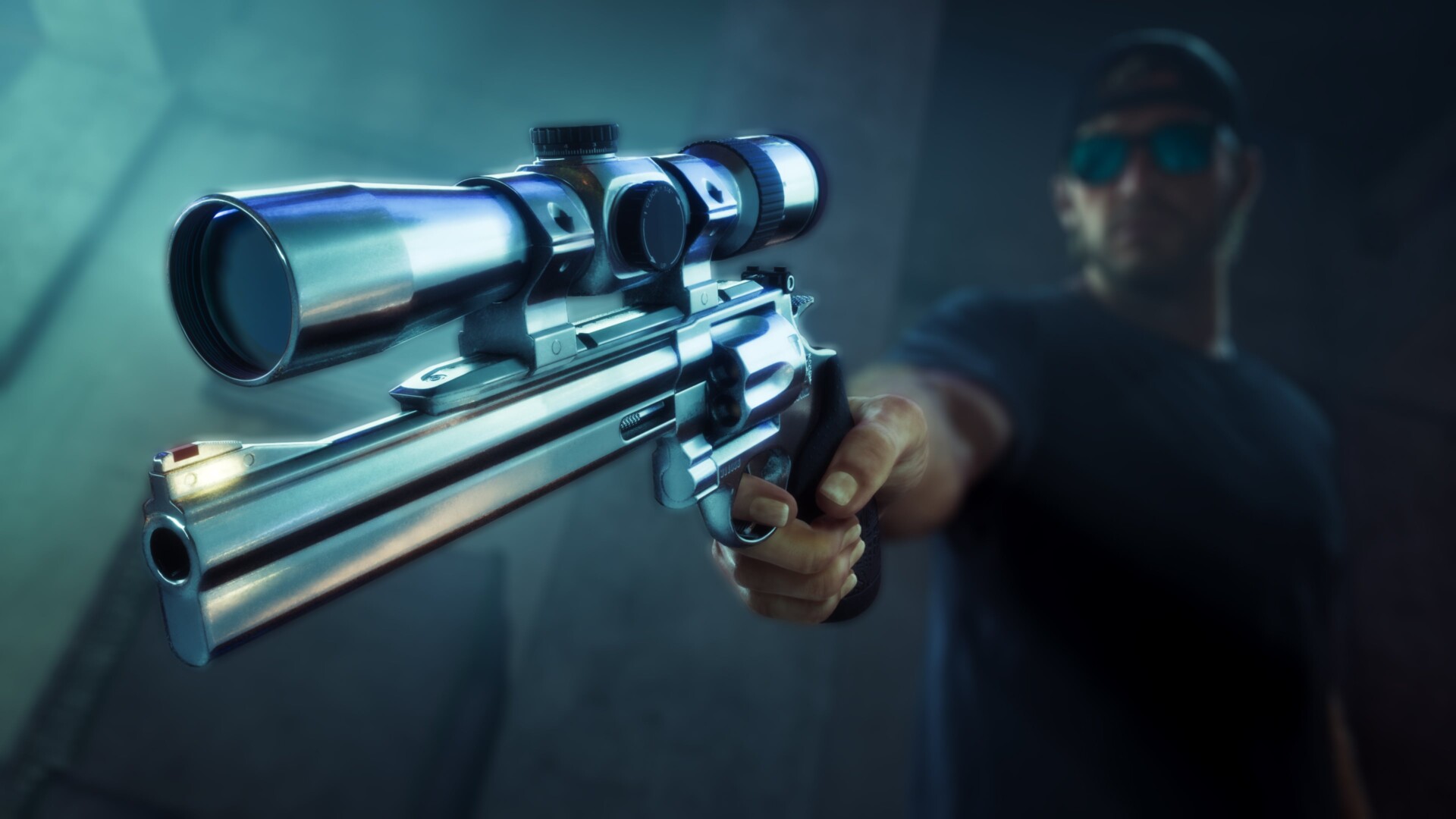
- Aiming down sights with certain weapons.
- A first-person look while standing still.
How to use the standing first-person look
- Press L2 to focus on a character or zoom in slightly.
- Click L3 and R3.
- You now have full camera control from a first-person perspective.
Limits
- Moving exits the view, so you have to stand still.
- Clicking L3 and R3 without L2 first activates Focus Mode instead, which drains your focus meter and highlights certain things in the world.
Related: beginner tips, switching characters and skipping time.
FAQ
Does GTA 6 have first-person mode?
Not a traditional one. Only limited first-person views exist at launch.
How do I look around in first person?
Stand still, press L2, then click L3 and R3.
Sources
Summarised in our own words from Video Games Chronicle. We have not played the game ourselves. Last updated: November 20, 2026.