
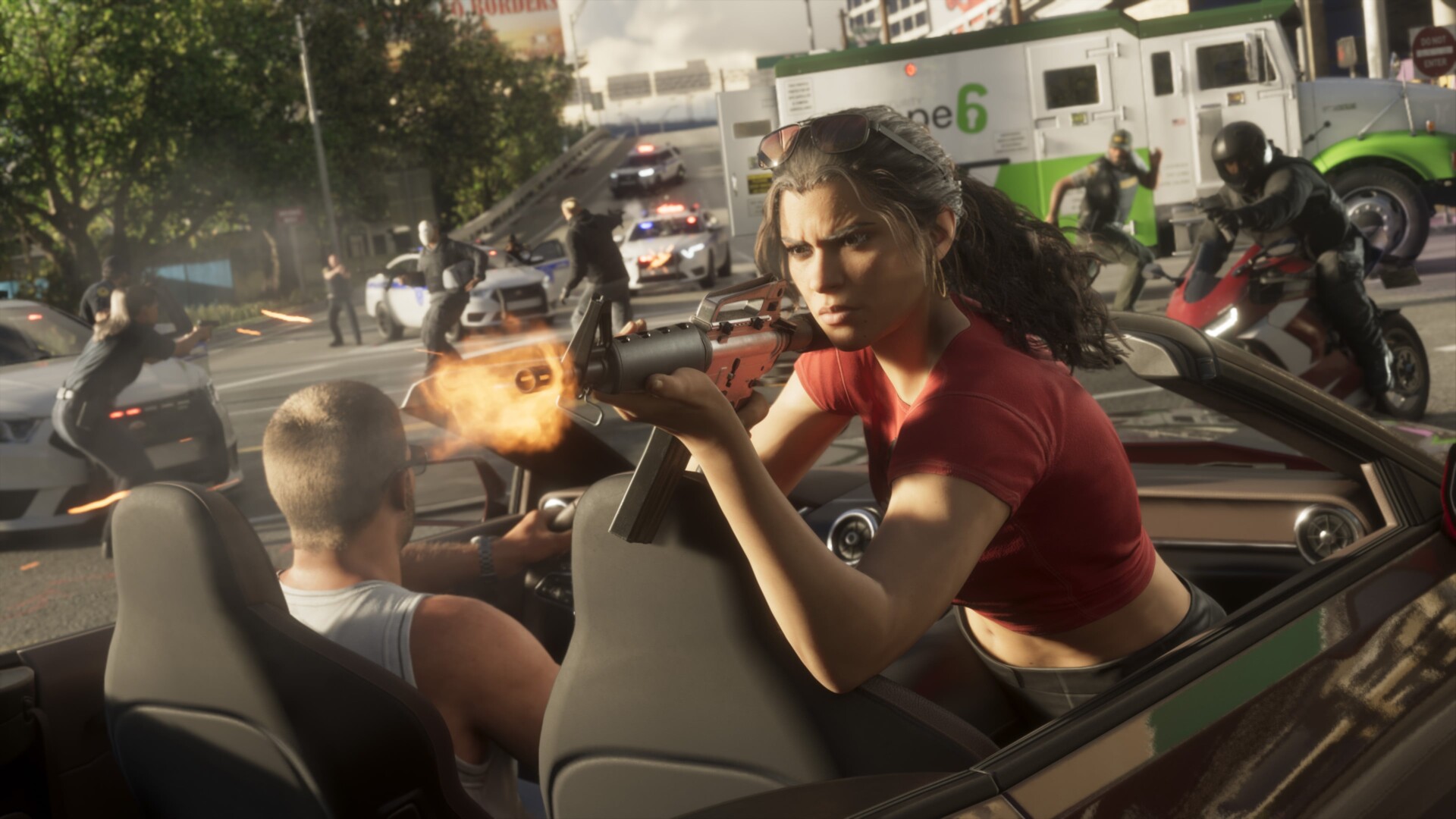

Buck Me (Set Up Bank Account) is a Chapter 1 story mission in GTA 6 that gives you your in-game bank account through the BuckMe app. PowerPyx published a walkthrough on November 18, 2026. The reward is the account itself plus a $100 welcome gift.
How to complete Buck Me
- Ask about an account. Talk to the teller at the Fleeca bank in Key Lento, who sends you to the manager.
- Speak to the manager. He turns you down because of poor credit and offers the BuckMe app instead.
- Open BuckMe. After a cutscene you return home and receive $100 in checking. Open the purple “B” app on your phone.
- Move $100 into Family Savings. Pick “Buck Yourself” in the Checking Account menu.
How BuckMe works
- Money in Family Savings can never be withdrawn, but it cannot be lost either.
- Cash in your pocket is lost if you die, so depositing it is safer than carrying it around.
- Vendors accept cash only up to $999, so purchases over $1,000 are paid through BuckMe.
- If your checking account hits its limit, incoming payments are held until you spend or save some money.
- You can deposit cash at any ATM. Use “ATM Finder – Set Destination” in the app. With $0 in your pocket, purchases come straight out of BuckMe.
What do savings goals unlock?
Savings goals give price-reduction perks and raise your checking limit. PowerPyx covers the details in the optional “Save for the Future” mission.
What comes next
Continue with Down to Earth, or go back to the mission list.
Source: PowerPyx, Buck Me walkthrough (November 18, 2026). Summarised from that guide; we have not played it ourselves.