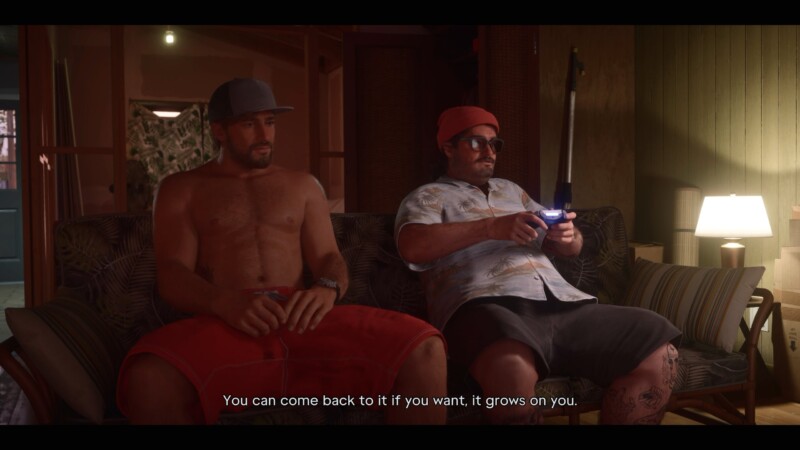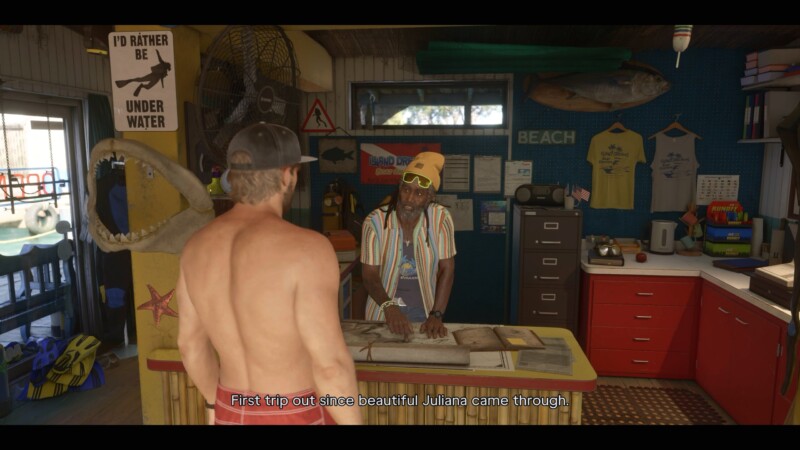
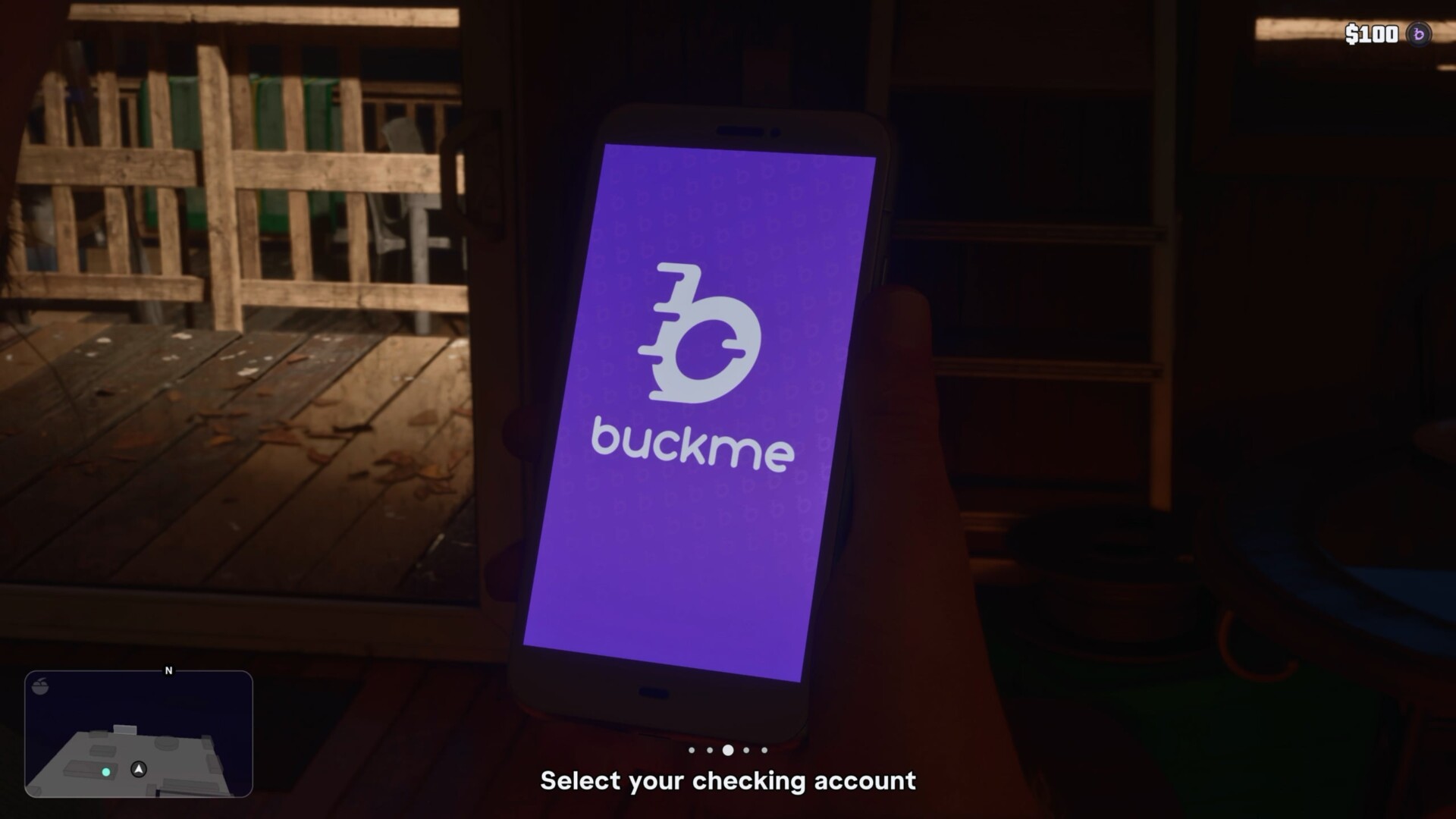

GTA 6 Buck Me is a short Chapter 1 banking tutorial where Jason visits the Fleeca branch in Key Lento, speaks with the teller and manager, then returns home with Lucia to activate the BuckMe app. To complete it, open BuckMe on Jason’s phone at home and move the $100 welcome deposit from Checking into Family Savings.
The mission follows Coming Home, after Lucia needs a bank account and both Jason and Lucia are available. Buck Me is not built around combat or a tough chase. Its purpose is to introduce banking, savings, and the app you use to manage money.
GTA 6 Buck Me key facts
Buck Me is a Chapter 1 story mission centered on setting up banking for Jason and Lucia. The main objective is the BuckMe app tutorial, especially the required transfer from Checking to Family Savings.
| Item | Details |
|---|---|
| Mission name | Buck Me, listed by VGC, GamesRadar+, and the PC Gamer mission list. |
| Mission order | Chapter 1 story mission; VGC lists it as mission 12, while GamesRadar+ uses a different Chapter 1 numbering. |
| Chapter | Chapter 1, according to VGC, GamesRadar+, and PC Gamer. |
| Playable character | Jason. |
| Start trigger | Lucia needs a bank account after Coming Home. PlanetGTA6 lists the requirement as completing Coming Home. |
| Start location | The local bank, specifically the Fleeca branch in Key Lento according to GTA BOOM and PlanetGTA6. |
| Unlock requirement | Complete Coming Home. |
| Rewards and unlocks | The BuckMe banking app, plus the $100 welcome deposit or checking credit reported by GTA BOOM and PlanetGTA6. |
| Gold medal objectives | No reliable sourced gold medal objectives are confirmed for Buck Me. |
| Dialogue choice | Jason can say he has no money or that he has saved cash at home when the manager asks, as confirmed by VGC. |
| What comes next | Down to Earth is reported to become available after both Buck Me and Clean Up After Donnie are complete. |
How to complete Buck Me in GTA 6
To complete Buck Me, you need to go through the bank appointment, return home, open BuckMe, and transfer the starter money into Family Savings. The step most players are likely to miss is the phone app task after the cutscene brings Jason and Lucia home.
- After Coming Home, select or track the Set Up Bank Account or Buck Me objective.
- Drive Jason to the bank, which GTA BOOM and PlanetGTA6 identify as the Fleeca branch in Key Lento.
- Speak to the teller at the bank counter.
- Let the teller direct Jason to the bank manager.
- Follow the manager into his office.
- During the meeting, answer the savings dialogue prompt when the manager asks about Jason’s money.
- Treat that answer as roleplay flavor unless a confirmed gameplay consequence is verified, because VGC confirms the choice but does not confirm a major mechanical result.
- After the cutscene returns Jason and Lucia home, open Jason’s phone.
- Select the BuckMe app.
- Open the Checking Account section.
- Use the transfer or Buck Yourself option to move the $100 welcome money into Family Savings.
- Finish the TV and bed sequence to end the mission.
The bank visit itself is straightforward, so do not overthink it. If the mission still feels unfinished after Jason and Lucia leave the bank, check the phone and make sure the $100 has been moved from Checking into Family Savings.
The transfer is the key completion step because it teaches the difference between the two account areas. Buck Me is short, but it sets up the money-management loop that later missions can build on.
How to get gold in Buck Me
No gold medal objectives are confirmed for Buck Me by the reliable walkthroughs used for this guide. Do not plan around a hidden time limit, accuracy target, damage limit, or optional challenge unless a verified source lists one.
VGC’s GTA 6 mission coverage focuses on completion, collectibles, and choices, and the sources checked for Buck Me do not list medal requirements. For now, the safest route is to complete the bank tutorial and make the required BuckMe transfer.
That also means there is no confirmed gold reward path to optimize. If you replay Buck Me later, focus on moving smoothly through the bank visit, the home sequence, and the app transfer instead of chasing unsourced medal conditions.
Does the Buck Me dialogue choice matter?
VGC confirms that Jason gets a dialogue choice when the bank manager asks about his money. He can either say he has nothing or mention saved cash at home.
Based on the sources checked for this guide, treat that prompt as character and relationship flavor rather than a confirmed reward-changing decision. There is no verified source in the brief confirming that the choice changes the payout, the app unlock, or the mission result.
The safest way to handle the moment is to pick the answer that fits how you are playing Jason. Either way, the confirmed objective stays the same: continue the meeting, go home, open BuckMe, and move the $100 into Family Savings.
What Buck Me unlocks
Buck Me unlocks the BuckMe banking app and introduces the game’s Checking and Family Savings setup. It also gives you the $100 welcome deposit or checking credit reported by GTA BOOM and PlanetGTA6.
VGC describes BuckMe as the main way to handle and save money, so this mission is your first hands-on lesson with that system. The game has you practice it immediately by moving the starting $100 from Checking into Family Savings.
Because Buck Me is tied directly to banking and savings, it is a good point to start tracking how you handle cash. If you want a simple planning tool outside the game, use our GTA 6 money calculator once you begin managing more than the starter deposit.
What comes next after Buck Me
After Buck Me, your next step depends on which Chapter 1 objectives are still open. If Clean Up After Donnie is available, complete it, because Down to Earth is reported to require both Buck Me and Clean Up After Donnie.
Do not treat Buck Me as the only fixed gate in this part of Chapter 1. The mission order is not presented the same way by every walkthrough source, with VGC and GamesRadar+ using different numbering, so follow the available objectives on your map instead of forcing one universal sequence.
For broader routing, check our full GTA 6 mission list. That will help you keep track of Buck Me, Clean Up After Donnie, Down to Earth, and the rest of Chapter 1 without relying on one source’s numbering system.
GTA 6 Buck Me FAQ
How do you complete Buck Me in GTA 6?
Go to the Key Lento bank, meet the teller and manager, then return home and use the BuckMe app to move the $100 welcome money into Family Savings.
Where does Buck Me start?
Buck Me starts at the local Fleeca bank in Key Lento after Coming Home has been completed.
What does Buck Me unlock?
It unlocks the BuckMe app and introduces the game’s banking and savings tutorial through Checking and Family Savings.
Does Buck Me have gold medal objectives?
No gold medal objectives are confirmed by the sources checked for this guide.
GTA 6 Buck Me is simple, but it matters because it turns banking from a story detail into an active system. Once Jason and Lucia finish the bank visit, use the BuckMe app at home, move the $100 into Family Savings, and continue Chapter 1 with banking unlocked.